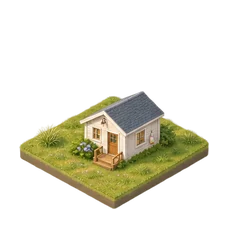
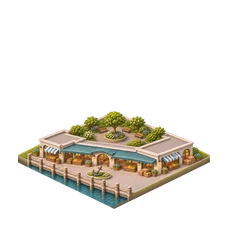
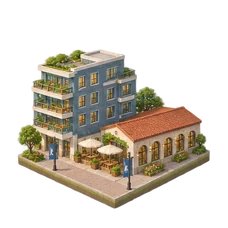
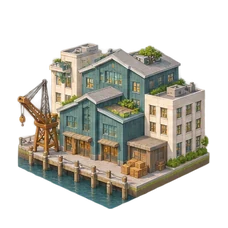
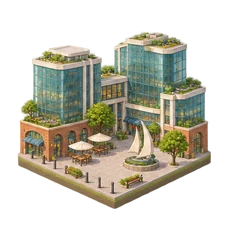
How to play 2048 City
Slide the districts
In 2048 City, every district on the 4 × 4 board slides in the same direction. Swipe on a phone, use arrow keys or WASD on a keyboard, or tap the direction buttons below the board.
Match two of the same kind
When two equal districts meet in 2048 City, they merge into the next stage. Two 2s make a 4. Each merge adds the new value to your score, and every move that changes the board brings in a new 2 or 4.
Build a landmark
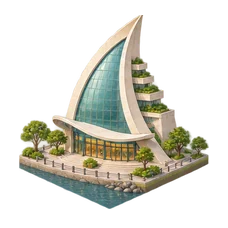
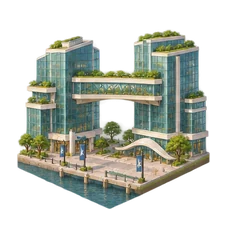
The goal of 2048 City is to merge two 1024 districts into a 2048 landmark. Keep building afterward to discover the twin towers at 4096. You can keep merging beyond the last illustrated stage.
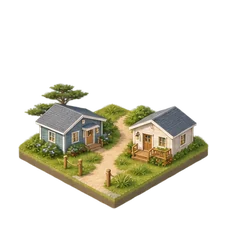
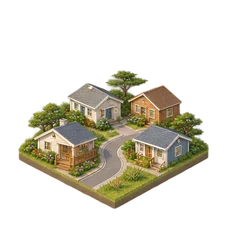
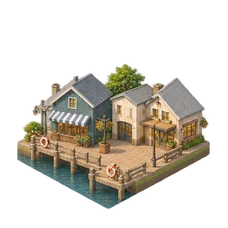
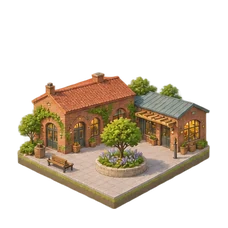
In 2048 City, a new roofline or a route between buildings can mark a bigger district before the buildings get taller. Switch city styles and compare the same stage in the atlas.
Make room to grow in 2048 City
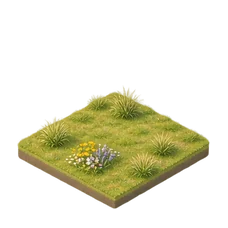
Reserve a corner for your largest district in 2048 City. Build its matching partner along the same edge, leaving the opposite side open for new meadows and cottages. The open space lets you assemble several small merges before bringing them back to the main street.
When 2048 City has just one empty space, pause and look for the move that leaves another pair ready to merge. If two districts have similar roofs, turn on numbers to see immediately which tiles match.
2048 City questions
The Japanese and English pages share your 2048 City board and best score. You can change the page language and continue from the same move.
Will changing the style affect the board?
All three 2048 City styles use the same district values and rules. Switch freely as you play. The browser remembers your chosen style separately for each language.
Can I come back to a game later?
2048 City resumes on the same browser if it has been less than 48 hours since your last move or game action. After that, a new round starts and your best score stays saved.
Can I take back a move?
Restore your previous board and score with Undo in 2048 City. Start with one undo and earn one the first time you make a 128 or 512 district in a round. You can hold up to two. With an undo left, you can take back your last move even on a full board.